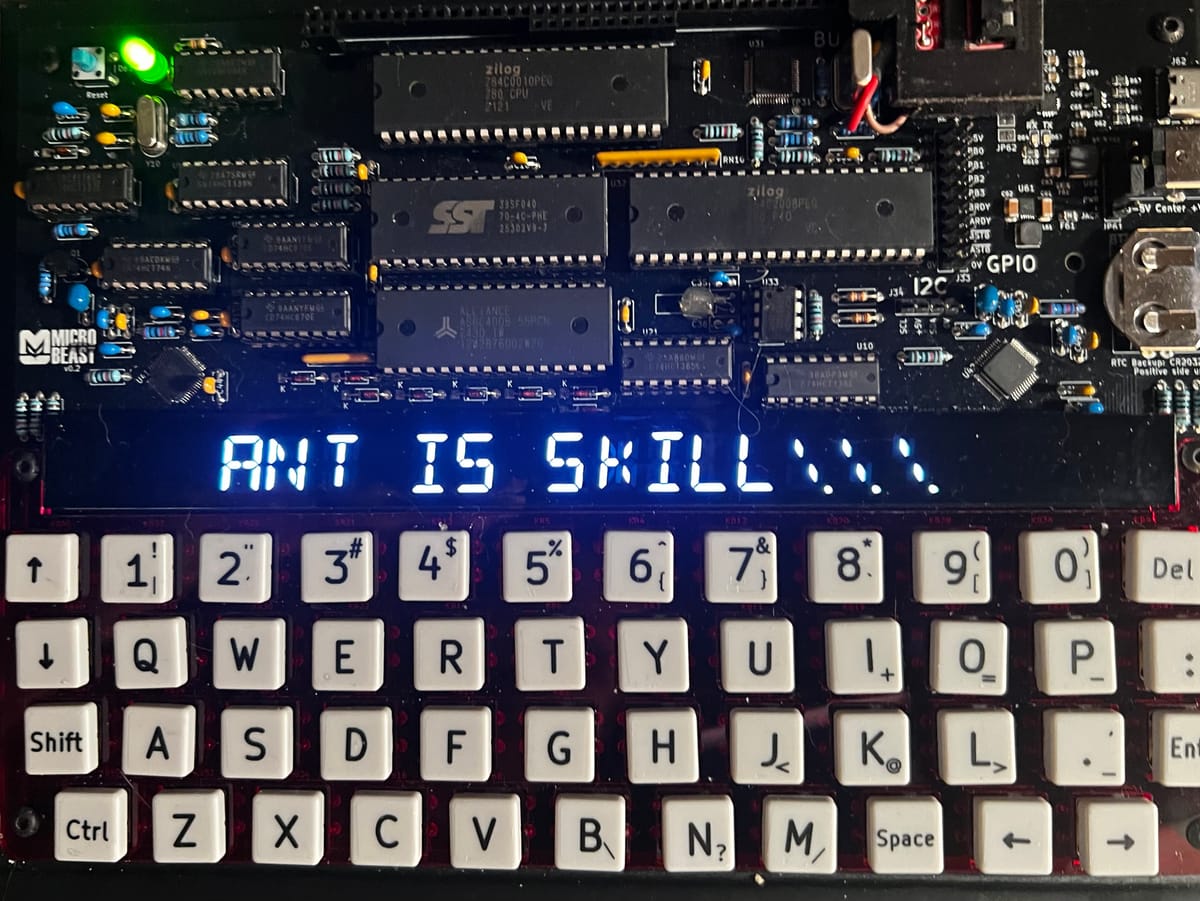

Last time in Your name in lights! (Part 4) , we were able to display arbitrary short strings on the 'Beast's LED displays.
We're going to be building on that foundation here, so if you skipped earlier parts or are still a little shaky on the fundamentals you might want to go back and read them again.
To move forward, I'm going to assume that you've got SLIDE.COM on the B: drive of your 'Beast, and that you have the corresponding PC utility installed somewhere in your PATH on your development PC. Refer to the SLIDE README if you need more help with that.
I'm also going to assume that you have BBCBASIC.COM on your B drive.
Set up
First things first: clone the Beast User repository on to your development PC.
We're going to start in the scrolltext/bbc_basic/scrolltext folder.
Background info
This time around, we're going to add the ability to display strings that are longer than our display is wide (24 characters). And we'll do that by making a "scroll text" - only a portion of the message is visible at a given time. By updating which portion we display ever so slightly on a regular basis, we can give the illusion of the text scrolling by.
Imagine for a moment, that you are wearing a welding helmet and contemplating God's final message to his creation. You can't see the whole message in one go, you'd have to physically turn your head to read it (or move the message of course, but it's not so easy to move divine messages in 30 foot letters made of fire).
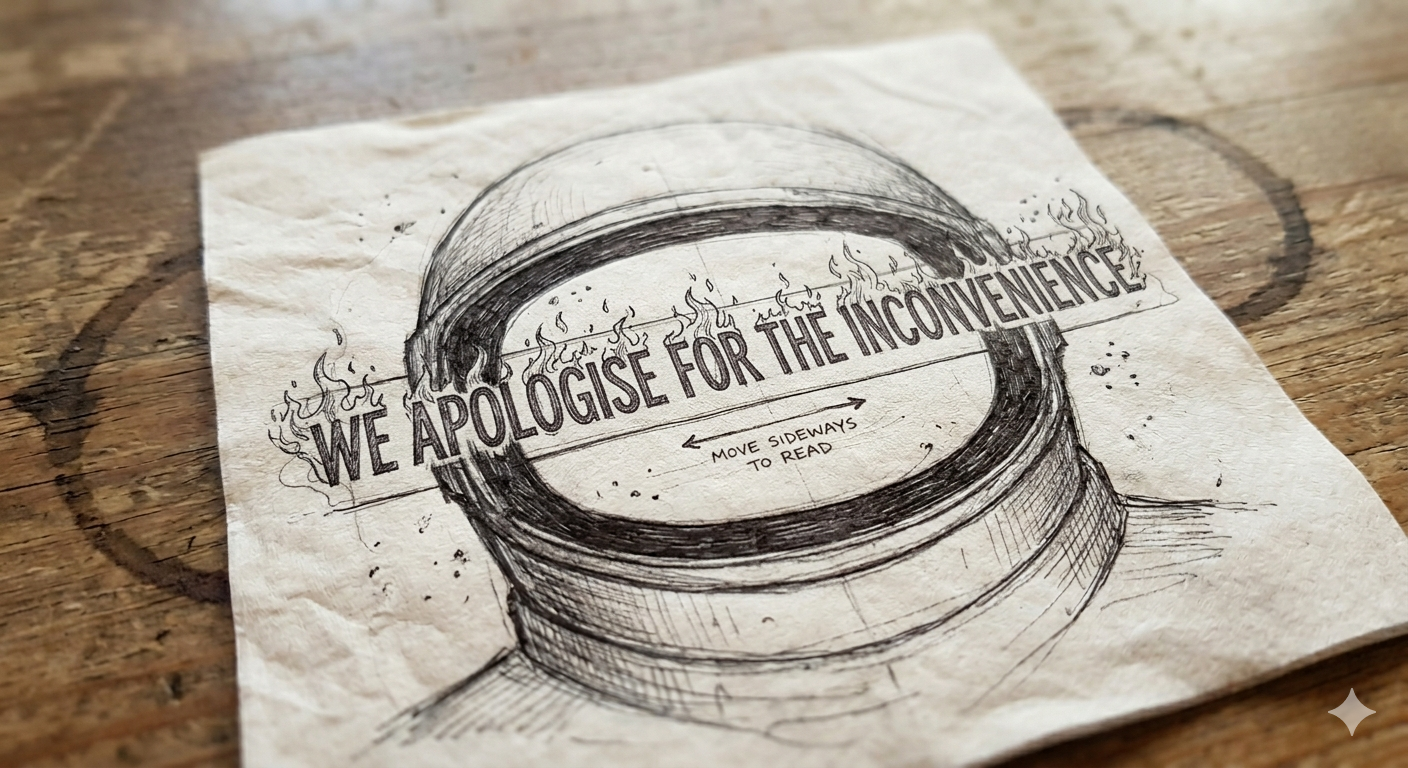
One way we could do this is to start by displaying our string at column 0, and then on the next iteration display it at column -1, then -2 etc. etc. The text would then appear to be moving to the left:

This sort of approach is common in many graphics systems, but the 'Beast will not take kindly to negative column values. Also, it is not a very efficient technique: if the string is very long, we will spend a lot of time trying to render characters that cannot be visible.
A better approach is to slide the display along the string:

So we start by displaying the first 24 characters of the string starting at the first (index 0), but on the next iteration we display 24 characters starting from the second position in the string (index 1) and so on. We could do some complicated maths to deal with what happens when we get to the end of the string, but it's easier to just stick 24 spaces on the end. In fact, we'll stick another 24 on the front so the string appears to enter from the right hand edge.
Here's the code we'll be running this time:
10 REM === MicroBeast LED Demo - Step 4: Scrolling Text (BBC BASIC) ===
20 REM Prompts for a string and scrolls it continuously across the
30 REM 24-character LED display. The text is padded with spaces so it
40 REM scrolls in from the right and out to the left.
50 REM
60 REM --- Load font data into an array (ASCII 32-126) ---
70 DIM font%(94)
80 FOR idx% = 0 TO 94 : READ font%(idx%) : NEXT
90 REM
100 REM --- Get user input ---
110 INPUT "Enter scroll text: " text$
120 REM
130 REM --- Build padded buffer: 24 spaces + text + 24 spaces ---
140 pad$ = "                        " : REM 24 spaces
150 buf$ = pad$ + text$ + pad$
160 buflen% = LEN(buf$)
170 REM
180 PRINT "Scrolling... press ESCAPE to stop"
190 offset% = 1 : REM scroll offset (1-based for MID$)
200 REM
210 REPEAT
220   REM Display 24 characters starting at the current offset
230   FOR col% = 0 TO 23
240     ch% = ASC(MID$(buf$, offset% + col%, 1)) - 32
250     IF ch% < 0 OR ch% > 94 THEN ch% = 0
260     PROCled(font%(ch%), col%)
270   NEXT
280   REM Delay for scroll speed (centiseconds); also lets ESCAPE break
290   dummy% = INKEY(8)
300   REM Advance scroll position, wrapping at the end
310   offset% = offset% + 1
320   IF offset% > buflen% - 23 THEN offset% = 1
330 UNTIL FALSE
340 END
350 REM
360 REM --- Write bitmask bm% to LED column col% via MBB_WRITE_LED ---
370 DEF PROCled(bm%, col%)
380 A% = col%
390 L% = bm% MOD 256
400 H% = bm% DIV 256
410 CALL &FDD6
420 ENDPROC
430 REM
440 REM --- Font DATA (ASCII 32-126, 95 entries) ---
450 DATA &0000, &4900, &0202, &12CE, &12ED, &2DE4
460 DATA &0B59, &0200, &0C00, &2100, &3FC0, &12C0
470 DATA &2000, &00C0, &4000, &2400
480 DATA &243F, &0406, &00DB, &008F, &00E6, &0869
490 DATA &00FD, &1401, &00FF, &00EF, &0040, &2200
500 DATA &0C40, &00C8, &2180, &5083
510 DATA &02BB, &00F7, &128F, &0039, &120F, &0079
520 DATA &0071, &00BD, &00F6, &1209, &001E, &0C70
530 DATA &0038, &0536, &0936, &003F
540 DATA &00F3, &083F, &08F3, &00ED, &1201, &003E
550 DATA &2430, &2836, &2D00, &00EE, &2409
560 DATA &0039, &0900, &000F, &2800, &0008
570 DATA &0100, &208C, &0878, &00D8, &208E, &2058
580 DATA &14C0, &048E, &1070, &1000, &2210
590 DATA &1E00, &1200, &10D4, &1050, &00DC
600 DATA &0170, &0486, &0050, &0888, &0078
610 DATA &001C, &2010, &2814, &2D00, &028E
620 DATA &2048, &2149, &1200, &0C89, &24C0No surprises here. We've essentially got all the same code as last time, but now we've got a loop around our main display routine that changes the offset on each iteration: lines 220-330. The delay in line 290 is just there to slow things down a bit, lest the awesome power of BBC BASIC render our message an illegible blur.
Running the code
You know the drill:
- Boot your 'Beast
- SLIDE the
SCROLLTEXT.BBCfile from the repo across to your 'Beast's B drive (you'll need to rename it asSCROLTXT.BBCto fit the CP/M naming convention) - "log in" to the B drive with B
: - start BBC Basic with
BBCBASIC - type
LOAD "SCROLTXT" - inspect it with
LIST - run it with
RUN
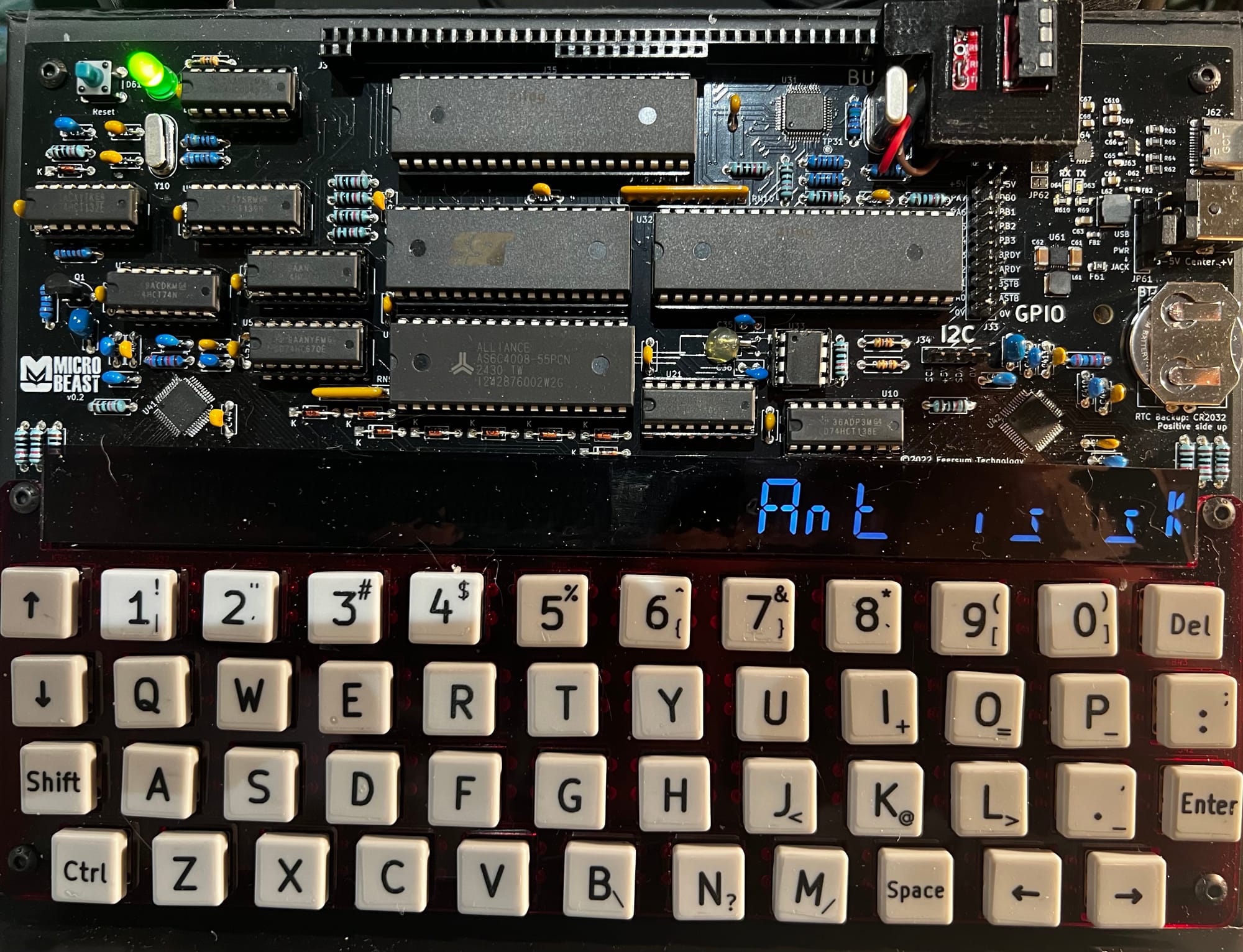
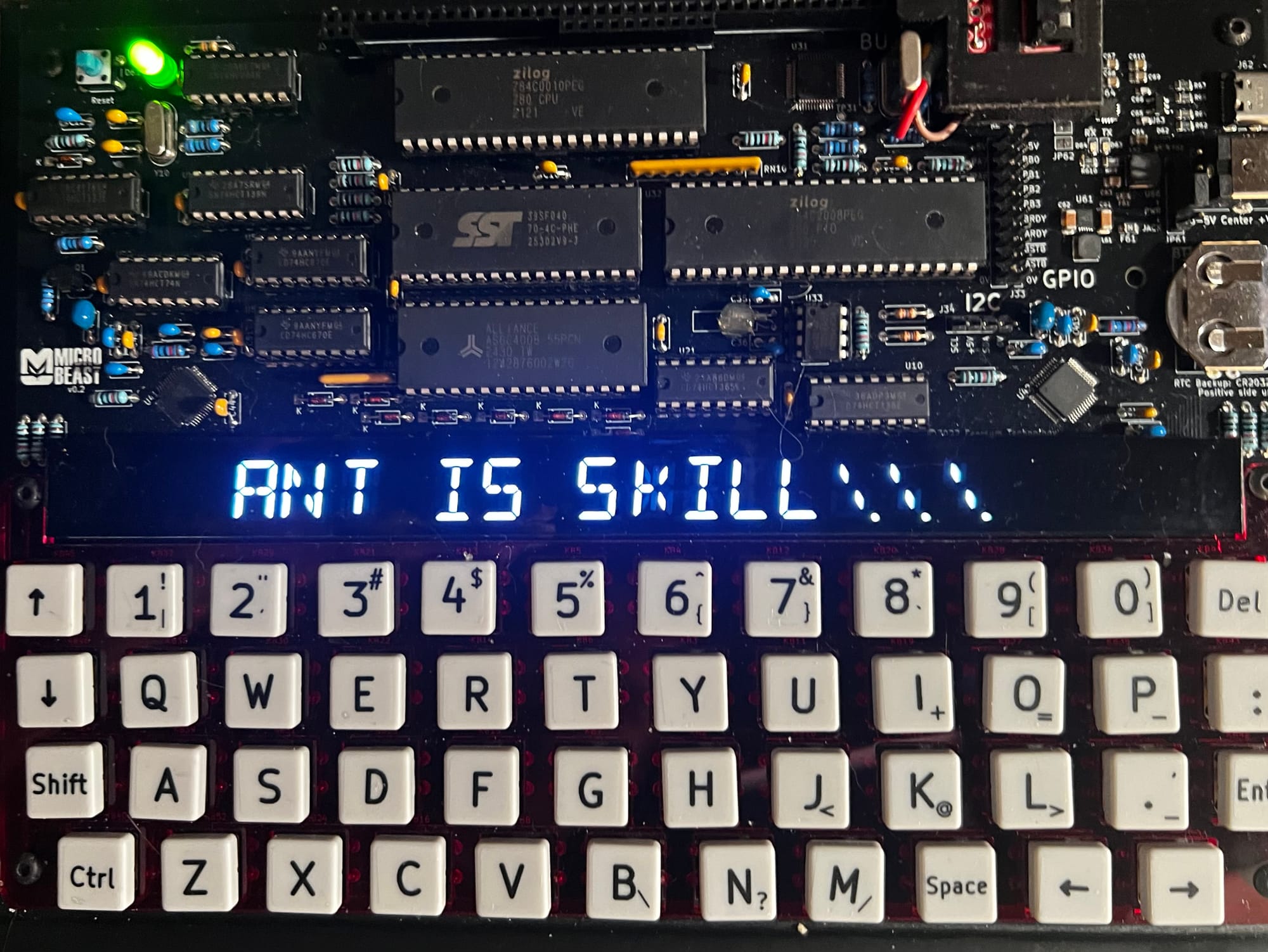
All being well, you should see this (your string might be different):
Things you can try
- Try making the delay shorter - what's the fastest it can do?
- Try making the string scroll in the opposite direction!
End of Part Five
That's it for Part Five - we built on all the understanding we've developed so far and built a reasonable scrolltext implementation.
In the next part, Your name in lights! (Part 6),we'll wrap up the BASIC section by adding some effects to our scrolltext to make it extra fancy!
microbeast
Your name in lights! (Part 5) (BBC BASIC)
Last time in Your name in lights! (Part 4) , we were able to display arbitrary short strings on the 'Beast's LED displays. We're going to be building on that foundation here, so if you skipped earlier parts or are still a little shaky on the